
How to Get Physicians to Register for Events on Mobile
Physicians check your event invitation on their phone between patients. They have 30 seconds. Your registration form has 8 fields. You lose.
2026-03-07
The Mobile Registration Problem
Here's the scenario that plays out hundreds of times per event campaign. A physician gets your invitation email. She's between patients. She opens it on her phone. The subject line caught her attention, it mentioned her specialty, a relevant procedure, a date that works.
She taps the registration link. The page loads. There's a form with 6-8 fields: first name, last name, email, phone, practice name, NPI, specialty, how did you hear about us. On a phone screen, that's three scrolls of tiny input fields.
She has a patient in room 4 waiting. She closes the tab. Tells herself she'll register later. She never does.
This isn't a hypothetical. 64% of global web traffic is now mobile. For email opens specifically, mobile accounts for even more, Litmus email analytics show that 41% of email views happen on mobile devices, with the share growing year over year. Your physician invitation emails are overwhelmingly opened on phones.
And mobile form completion rates are abysmal. Multi-field forms on mobile devices see abandonment rates well above the 67% desktop average. Every field you add on mobile is another reason to close the tab.
Fix 1: Pre-Fill the Form from Your Provider Database
The most impactful change you can make for mobile registration: don't ask physicians to type anything.
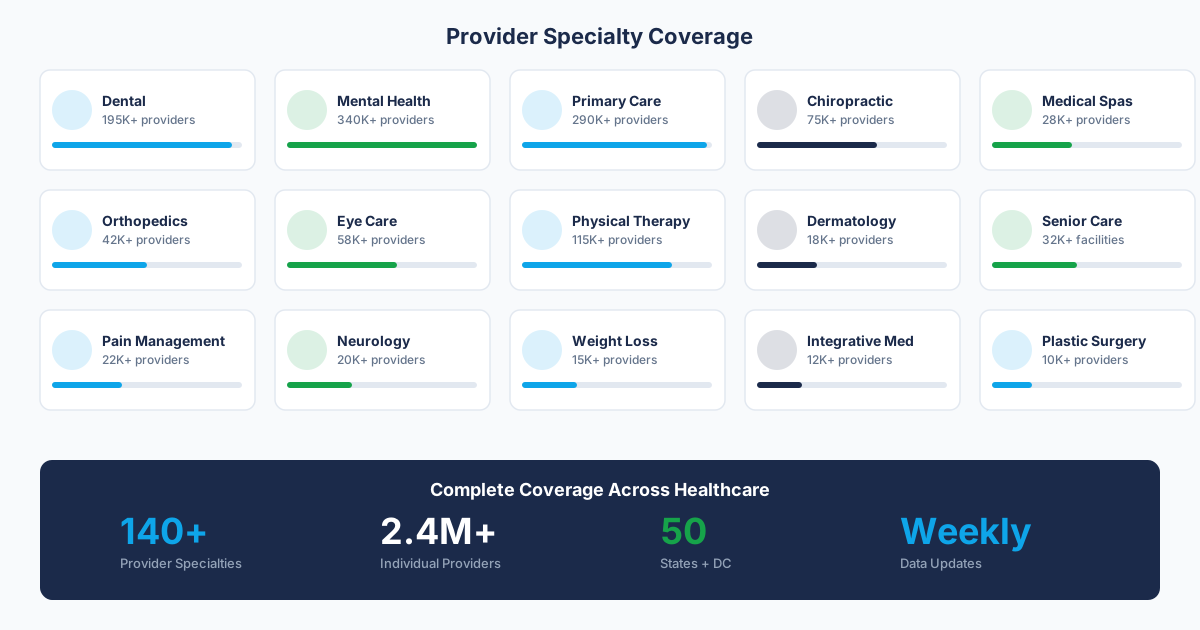
If the provider is already in your CRM or provider database, generate a personalized registration URL with their name, email, and practice encoded as parameters. When they tap the link on their phone, the form loads with everything pre-populated. All they see is their information already filled in and a "Confirm Registration" button.
Registration goes from 6-8 fields of thumb-typing to a single tap. On mobile, that's the difference between a completed registration and a lost prospect.
How It Works Technically
The registration URL looks like this: yourevent.com/register?first=Sarah&last=Mitchell&[email protected]&practice=Brighton+Chiropractic
The registration page reads the URL parameters and populates the form fields. The physician sees her name, email, and practice already filled in. She confirms with one tap.
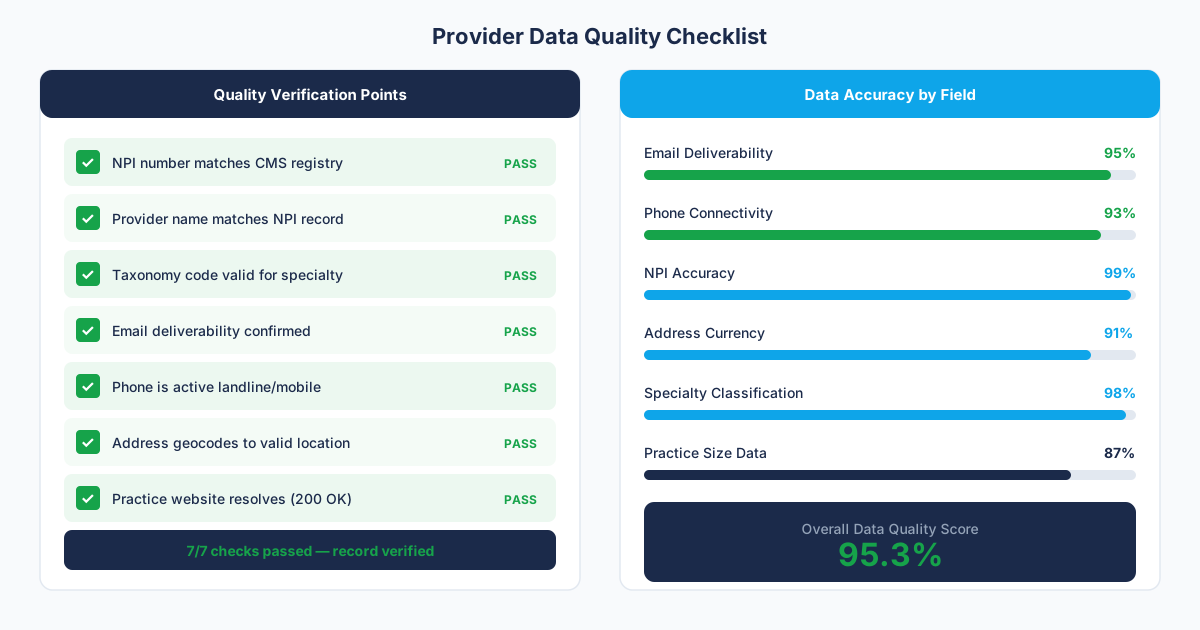
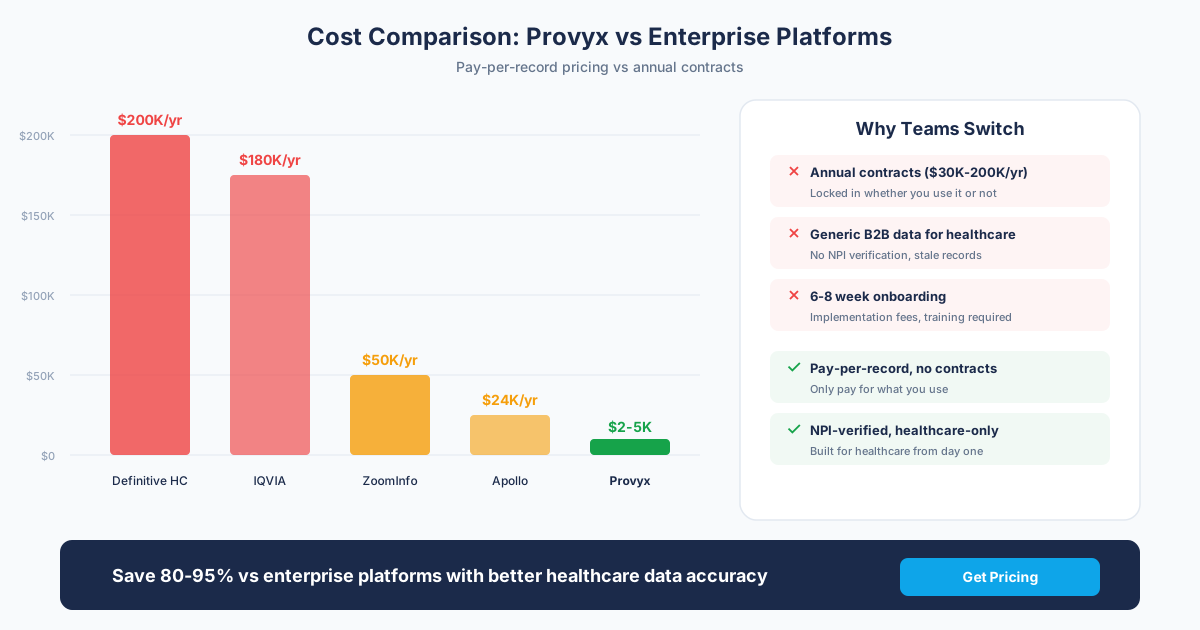
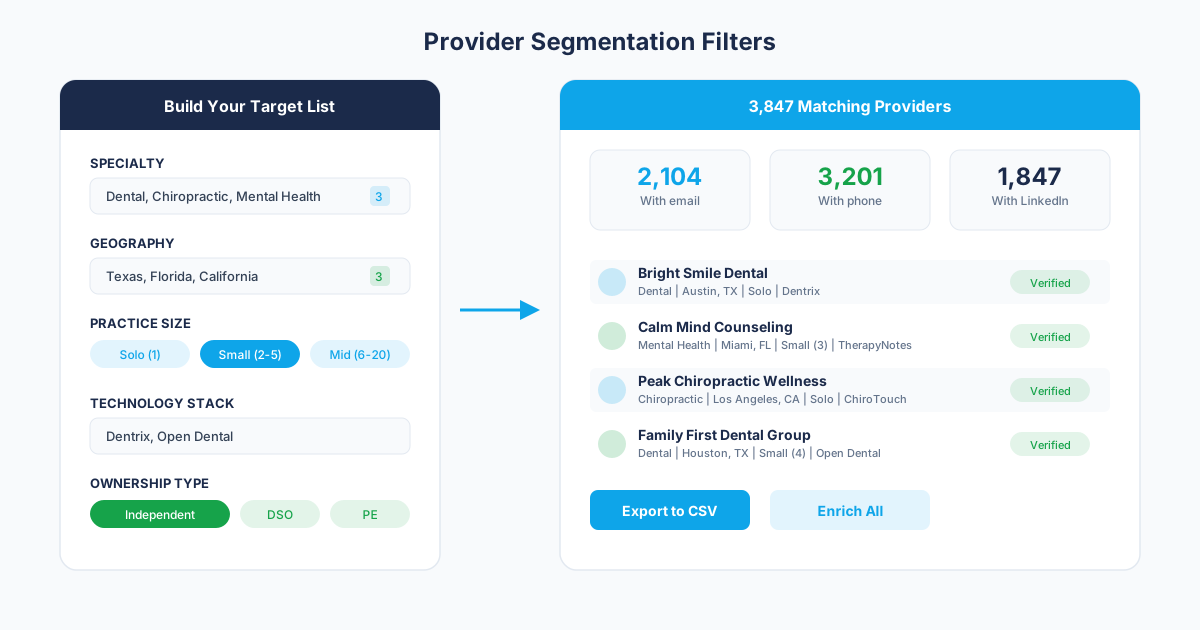
This requires two things: a verified provider contact database with accurate email and practice data, and a registration system that supports URL parameter pre-fill. Generic platforms like Eventbrite don't support pre-fill. Our event marketing service is built around this approach, using verified provider contact data to generate personalized links at scale.
Fix 2: Design the Page for a Phone Screen
Even with pre-fill, the page itself needs to work on mobile. Specific changes that matter:
Single-Column Layout
No side-by-side elements. No two-column form layouts. Everything stacks vertically. The physician scrolls down, sees event details, sees the pre-filled form, taps confirm. One column, top to bottom.
Touch-Friendly Inputs
Form fields should be at least 44px tall (Apple's minimum tap target recommendation). Use the correct input types: type="email" triggers the email keyboard. type="tel" triggers the number pad. These small details reduce friction on every field the physician does need to interact with.
Visible CTA Without Scrolling
On a phone, the "Register" or "Confirm" button needs to be visible without scrolling past the fold. If the physician has to scroll past three paragraphs of event description to find the button, you've added unnecessary friction. Put the key information (event name, date, venue) and the CTA above the fold. Move the detailed agenda below.
Fast Load Time
Your page needs to load in under 3 seconds on a mobile connection. Google's performance data shows that 53% of mobile users abandon sites that take longer than 3 seconds. Strip unnecessary images, minimize JavaScript, and keep the page lightweight. A registration page doesn't need hero videos or animated backgrounds.
Fix 3: Calendar Integration That Works on Mobile
After registration, the confirmation page is your chance to get the event on the physician's calendar. On mobile, this is even more critical than on desktop because the physician is on the same device where their calendar lives.
Two buttons, prominent placement:
- "Add to Google Calendar": , opens the Google Calendar app directly on Android and most iOS devices
- "Add to Apple Calendar": , triggers the native iOS calendar with a .ics file that includes event details and reminders
On mobile, these buttons should be the first thing visible on the confirmation page. Above the fold. Large enough to tap easily. The physician just registered with one tap. Let them add to calendar with one more tap. Two taps total from email to calendar event.
Fix 4: Reduce Fields to the Minimum
Even without pre-fill, you can improve mobile registration by asking for less. What do you actually need at the point of registration?
- Name: , yes
- Email: , yes (for confirmation and reminders)
- Phone: , maybe (for SMS reminders, but can be optional)
- Practice name: , can be enriched later from NPI
- NPI number: , can be matched post-registration from name + email
- Specialty: , if they clicked a specialty-specific page, you already know
- "How did you hear about us?": , track via UTM parameters instead of asking
On mobile, the ideal form is 2-3 fields: name and email, with an optional phone number. Everything else can be captured or enriched after registration. Every field you remove increases completion rates.
Fix 5: Specialty-Specific Pages That Load Fast on Mobile
If you're running a multi-specialty event, each specialty should have its own landing page. On mobile, this matters even more than on desktop because screen real estate is limited.
A chiropractor who taps a link expecting to see information about pelvic floor rehabilitation shouldn't have to scroll past dermatology content, dental content, and med spa content to find the relevant section. The specialty page eliminates irrelevant content and puts the registration form where it belongs, front and center, with specialty-specific messaging above it.
For more on why specialty targeting improves registration rates across all devices, see our guide on getting doctors to attend events.
Measuring Mobile Registration Performance
Track these metrics to know whether your mobile registration is working:
- Mobile vs. Desktop registration rate:: If your desktop conversion rate is 2x or higher than mobile, you have a mobile friction problem. The gap should be small or nonexistent with pre-fill.
- Mobile form completion time:: Under 15 seconds with pre-fill. Over 60 seconds means friction remains.
- Mobile page load time:: Under 3 seconds. Use Google PageSpeed Insights to test.
- Mobile calendar add rate:: What percentage of mobile registrants tap the calendar button? If it's under 30%, the button isn't prominent enough.
For the full registration optimization framework (mobile and desktop), see our healthcare conference registration best practices guide. For the registration infrastructure that handles pre-fill, specialty pages, and calendar integration on any device, explore our event marketing service.
Frequently Asked Questions
Why do physicians abandon event registration forms on mobile?
Three reasons: too many form fields (each field adds friction on a phone keyboard), slow page load times (53% leave after 3 seconds), and non-mobile-optimized layouts (tiny inputs, horizontal scrolling, CTA buttons below the fold). Physicians checking email between patients have 30 seconds. A 6-8 field form takes 2-3 minutes to complete on a phone. They close the tab.
How does pre-filled registration work on mobile?
Each provider gets a unique URL with their name, email, and practice encoded as parameters. When they tap the link on their phone, the registration form loads with everything pre-populated. They see their information already filled in and tap 'Confirm.' Registration takes one tap instead of typing 6-8 fields on a phone keyboard. This requires a verified provider contact database and a registration system that supports URL parameter pre-fill.
What's the ideal number of form fields for mobile event registration?
Two to three fields maximum without pre-fill: name and email, plus an optional phone number. With pre-fill, zero fields need manual input, the physician just confirms. Everything else (NPI, specialty, practice details, referral source) can be captured via URL parameters, enriched post-registration, or tracked via UTM codes. Every field removed on mobile increases completion rates.
Sources and References
Related Resources
Get the Provider Data You Need
Tell us what you're looking for. We'll build a custom list matched to your target market.
Trusted by healthcare sales teams, medical device companies, and health IT vendors across the US.